Duration and pacing
Gemini Omni 1.1 Flash accepts 4 to 10 second generations across 4 preset lengths, so a hook shot and a full ad beat are different settings rather than different models.
AI video model inside Vidmonto
Gemini Omni 1.1 Flash generates 4-10 second AI videos at up to 4K from text or image input, native dialogue audio. One clip costs from 41 credits ($0.41).
Gemini Omni 1.1 Flash is a fast multimodal path for text, image, and reference starts with predictable fixed-duration pricing.
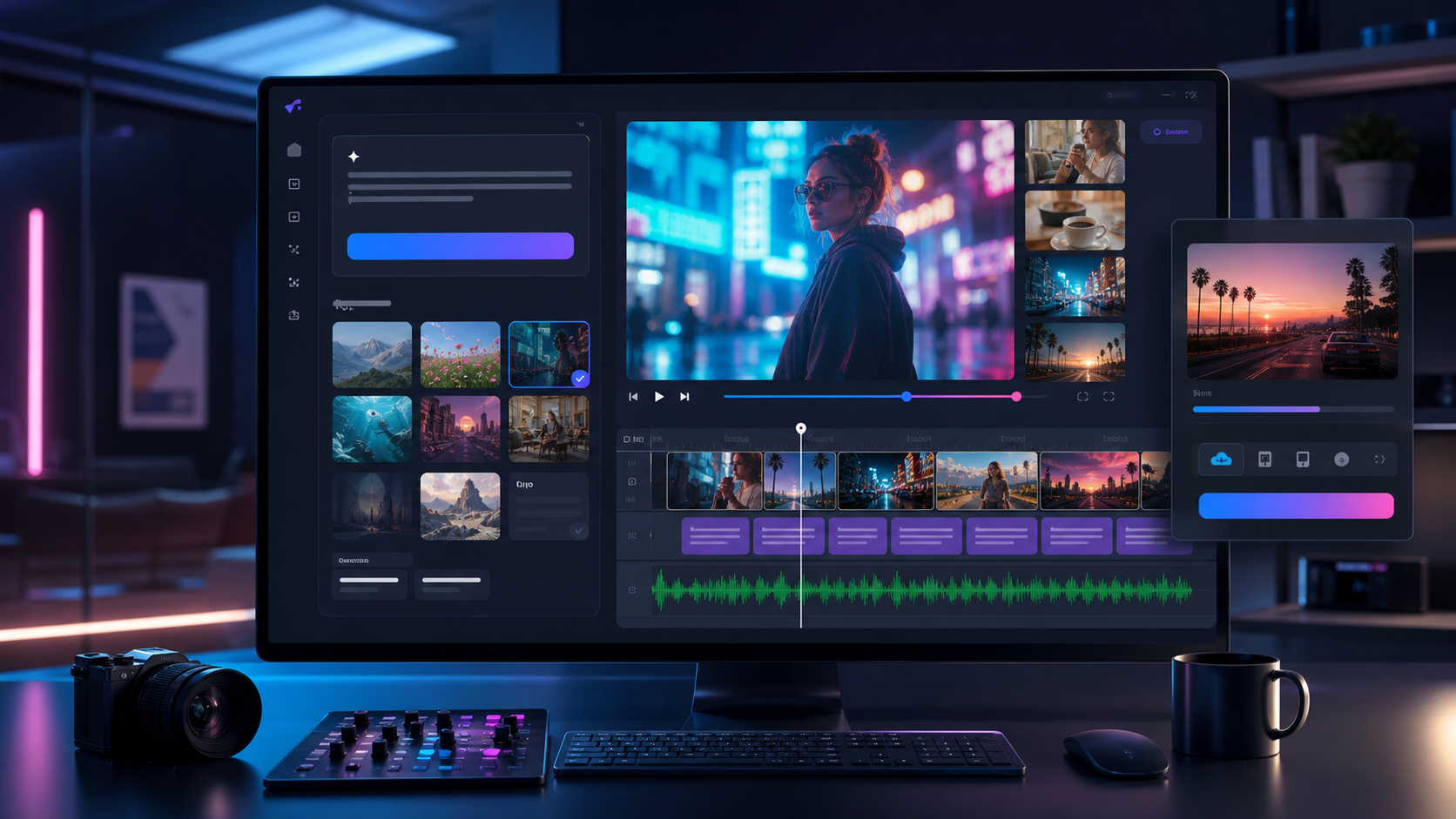
Text + image model
Gemini Omni 1.1 Flash
Prompt
Gemini Omni 1.1 Flash creator clip: 4 s opening beat, a single subject in motion with an uncluttered background, one short line of dialogue, no music.
Credits are spent per generation at the list rate of 100 credits = $1. The table uses 1080p, the resolution most briefs finish at; longer clips and higher resolutions cost more.
| Clip length | Resolution | Credits | Approx. USD |
|---|---|---|---|
| 4 s | 1080P | 41 credits | $0.41 |
| 10 s | 1080P | 82 credits | $0.82 |
This model prices per resolution and per second, so 360P output for the same 10 s costs less than 4K.
See credit packs and pricingGemini Omni 1.1 Flash generates 4 to 10 second clips at 360p, 720p, 1080p, 4k from text or image input, with native audio and dialogue.
Gemini Omni 1.1 Flash accepts 4 to 10 second generations across 4 preset lengths, so a hook shot and a full ad beat are different settings rather than different models.
Gemini Omni 1.1 Flash outputs 360p, 720p, 1080p, 4K, priced per resolution: the same 10 s clip costs less at 360p than at 4K.
Gemini Omni 1.1 Flash opens both entry points: a prompt, or a still (plus up to 7 reference images), including first and last frame control.
Gemini Omni 1.1 Flash generates native dialogue audio, so sound lands with the picture and only the mix and captions remain before export.
Gemini Omni 1.1 Flash handles quick multimodal drafts in single passes of up to 10 s at 4K; audio arrives as native dialogue audio, which keeps the edit inside Vidmonto.
Pick Gemini Omni 1.1 Flash for reference-led clips when the up to 10 s ceiling and 4K output match the brief: text or image input sets the start, and native dialogue audio carries it.
For social variations, Gemini Omni 1.1 Flash gives you up to 10 s per generation at 4K and native dialogue audio, so the take can go straight to captions.
Text, image, and reference starts
Up to 4K output
Native audio-capable workflow
Set the length and resolution first because that is what the credit cost follows; then generate, review the take, and finish audio and captions before export.
Describe the video goal
Write the brief for a 4-10 s window, pick a prompt or a still, and choose a 16:9 / 9:16 frame.
Choose Gemini Omni 1.1 Flash and output settings
Set Gemini Omni 1.1 Flash, the resolution (360p / 720p / 1080p / 4K), and the length; a 4 s take at 1080p costs 41 credits.
Generate, refine, and download
Review the take, then balance the generated audio and captions before exporting at the resolution you priced.
Each prompt below stays inside what Gemini Omni 1.1 Flash actually supports: 16:9 / 9:16 frames, 4-10 s of runtime, 4K ceiling.
Open Gemini Omni 1.1 FlashGemini Omni 1.1 Flash creator clip: 4 s opening beat, a single subject in motion with an uncluttered background, one short line of dialogue, no music.
Gemini Omni 1.1 Flash product spot, 16:9 frame, a single subject in motion with an uncluttered background, 10 s at 4K, one short line of dialogue, no music.
Gemini Omni 1.1 Flash campaign variant of the same idea at 10 s and 4K, different pace, same subject.
Seedance 2.5 is the latest Seedance path for storyboard-first videos, multi-image references, and polished creator workflows up to 1080p.
Compare modelGrok Imagine 1.5 is the newer Grok path for playful concepts, now with multi-image references and 1080p output.
Compare modelVeo 3.1 Fast is a speed-focused Veo option for creators who want cinematic direction without waiting on the highest-quality path.
Compare modelStart with plain language, then let Vidmonto translate the brief into model settings, scenes, previews, and a finished video.
Open toolVidmonto combines generation and post-production so you can move from idea to ready-to-post video without stitching tools together.
Open toolUpload images, choose the motion direction, pick a model, and turn static assets into social-ready video scenes.
Open toolYes. Vidmonto routes supported Gemini Omni 1.1 Flash generations from the workspace, then keeps storyboard, preview, caption, music, and export controls in the same flow.
Gemini Omni 1.1 Flash is available for the input modes listed in Vidmonto's model picker. When image input is supported, you can start from product photos, references, or storyboard frames.
Yes. Vidmonto is built for post-production after generation, including visual adjustments, captions, music, voiceover, and final assembly.
No. You can start with a prompt and let Vidmonto guide the workflow, or open the model and output settings when you need more control.
Yes. Vidmonto supports social-friendly aspect ratios where the selected model supports them, including vertical and widescreen formats.
No. This is a public model guide for discovery and comparison. The call-to-action opens the actual Vidmonto workspace.
Start with a 4 s take at 1080P for 41 credits, then keep going through preview, captions, music, and export without rebuilding the project in another tool.
Generate with Gemini Omni 1.1 Flash