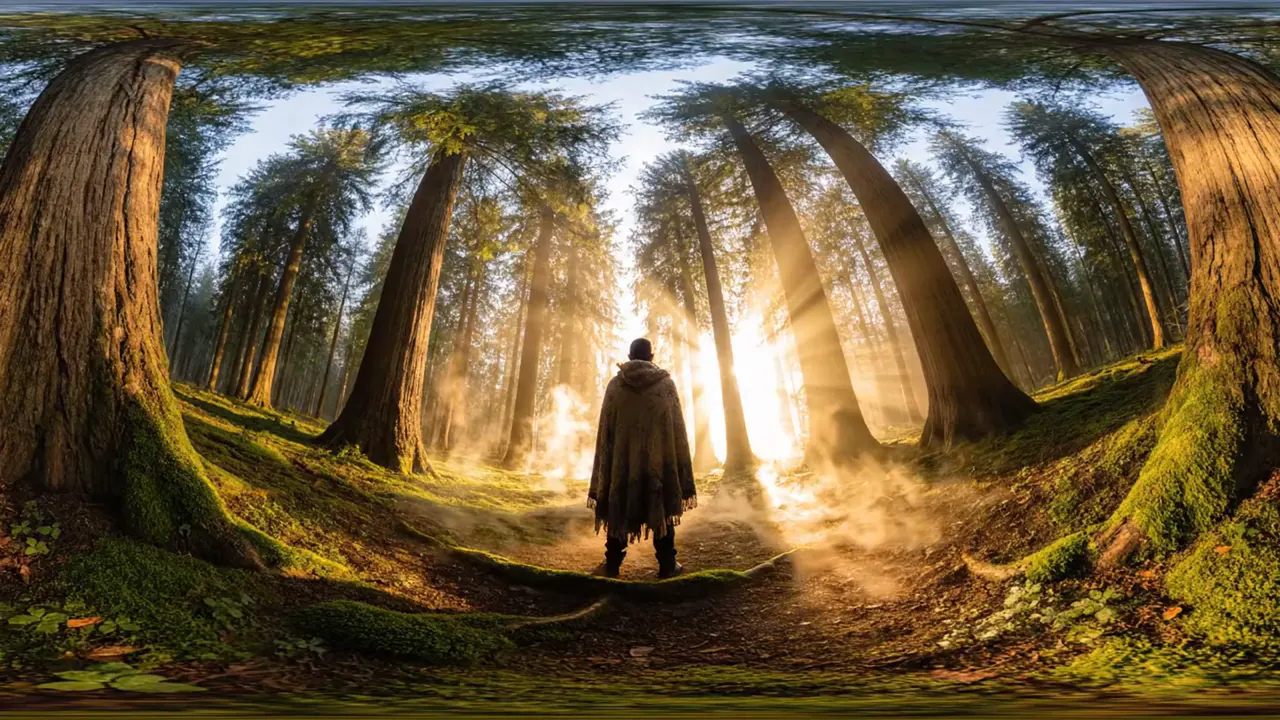
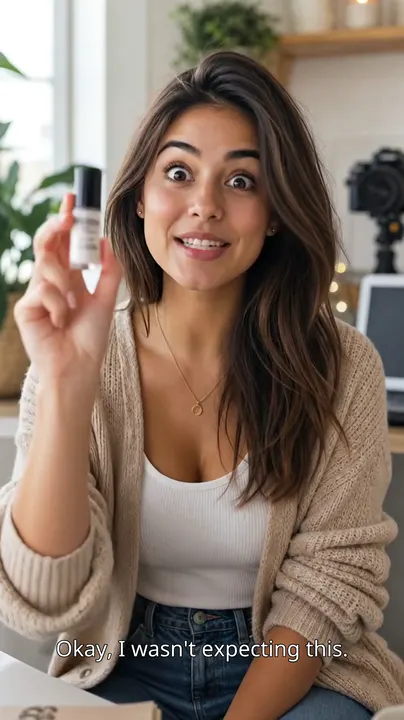


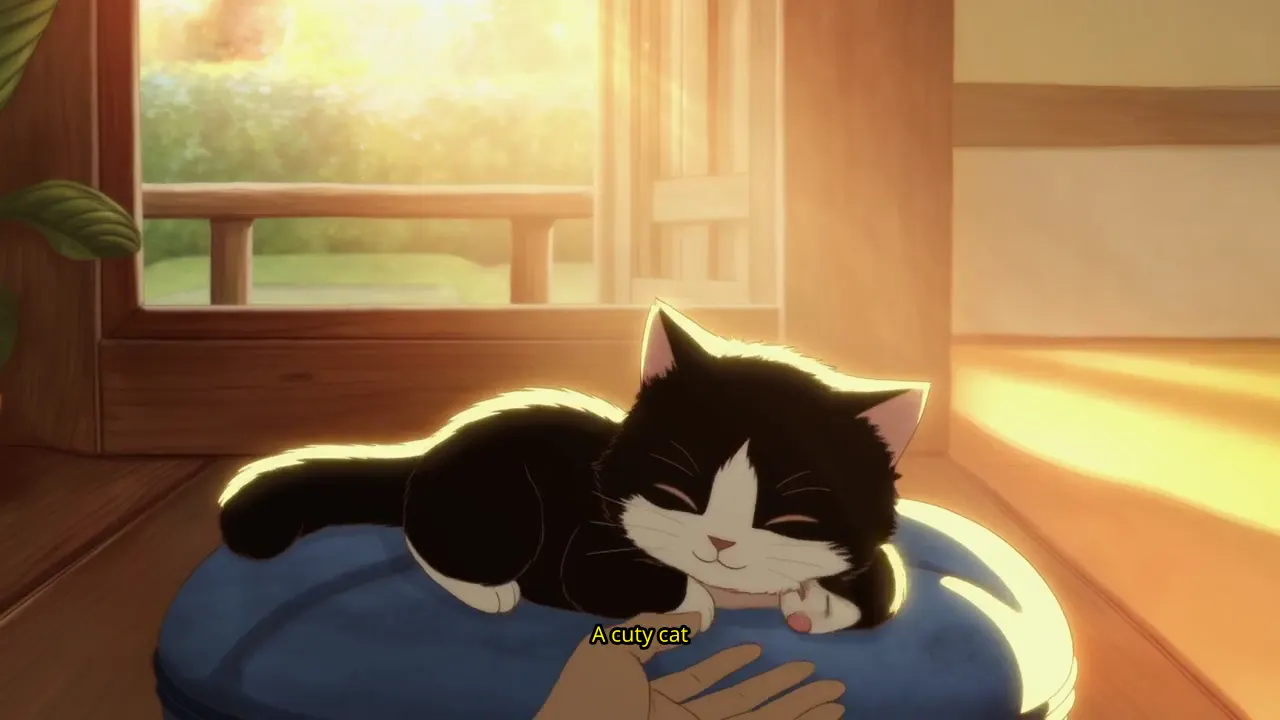
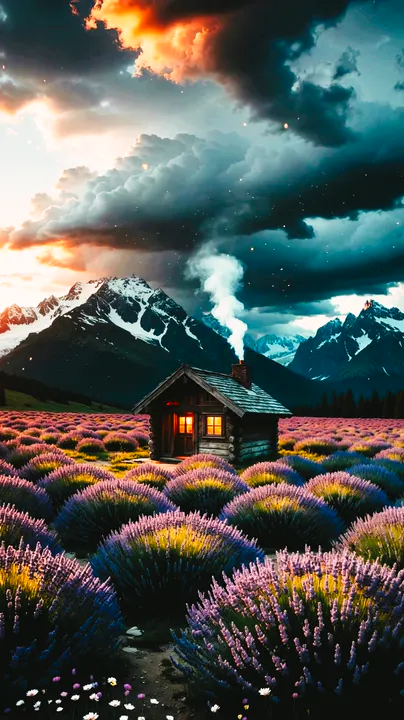
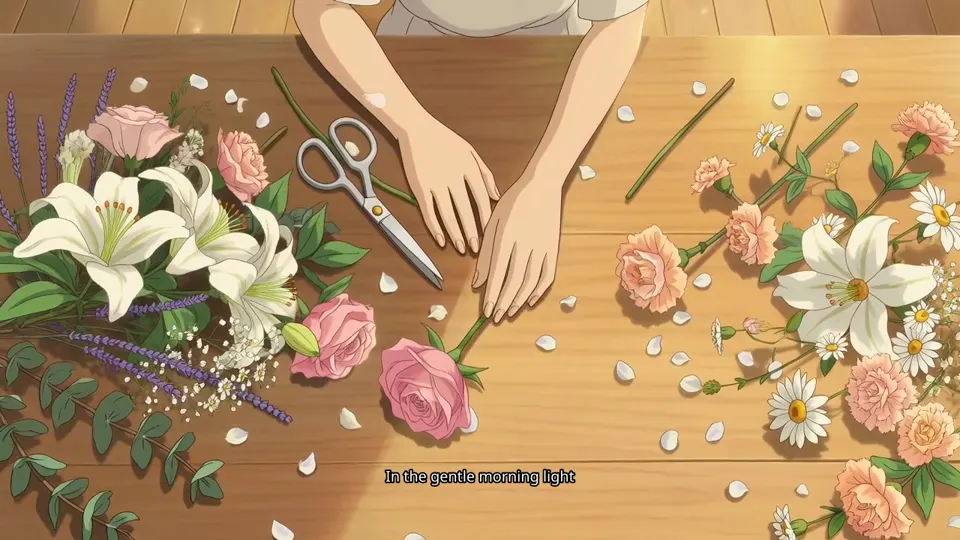
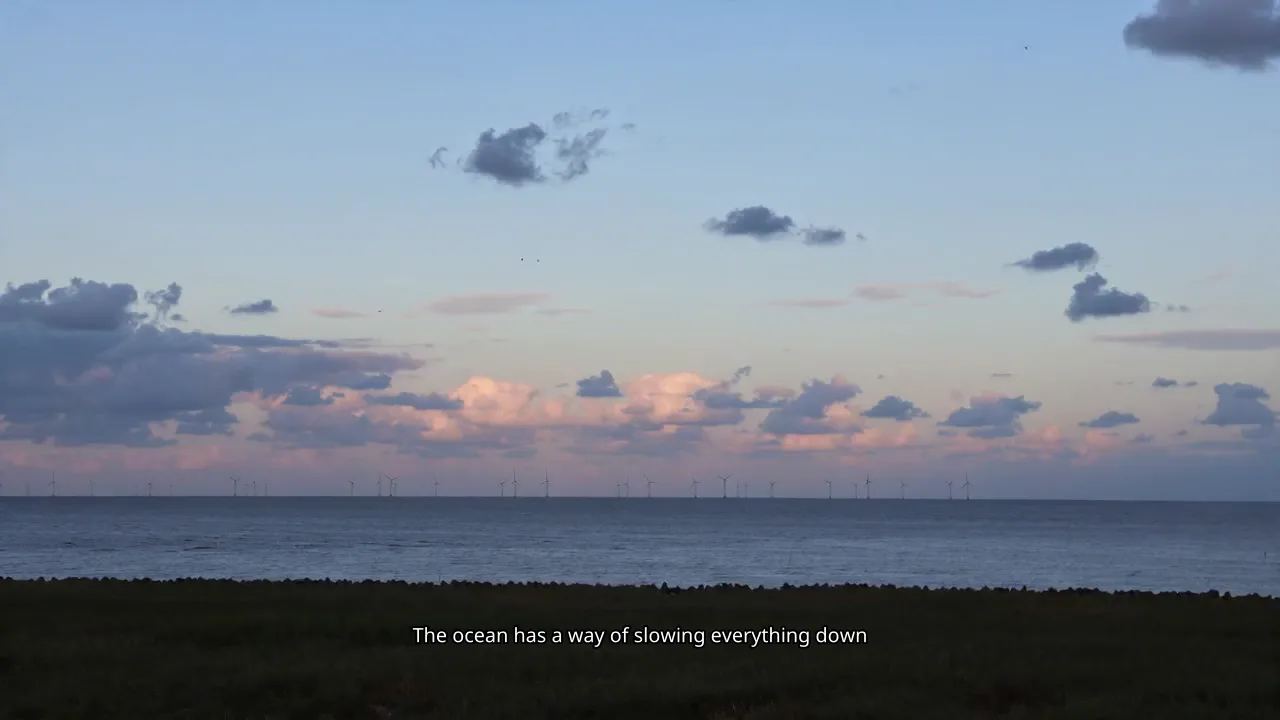
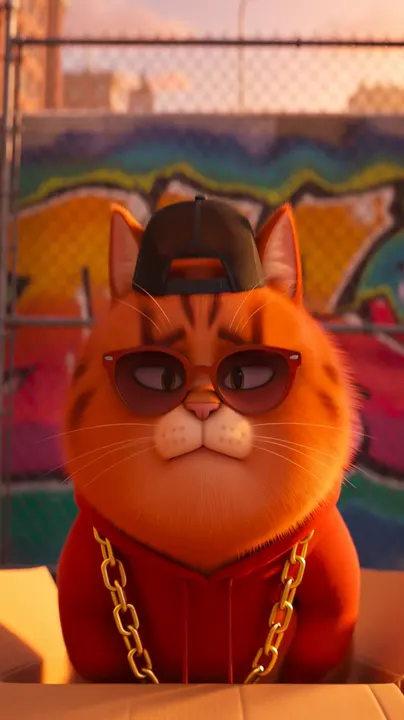
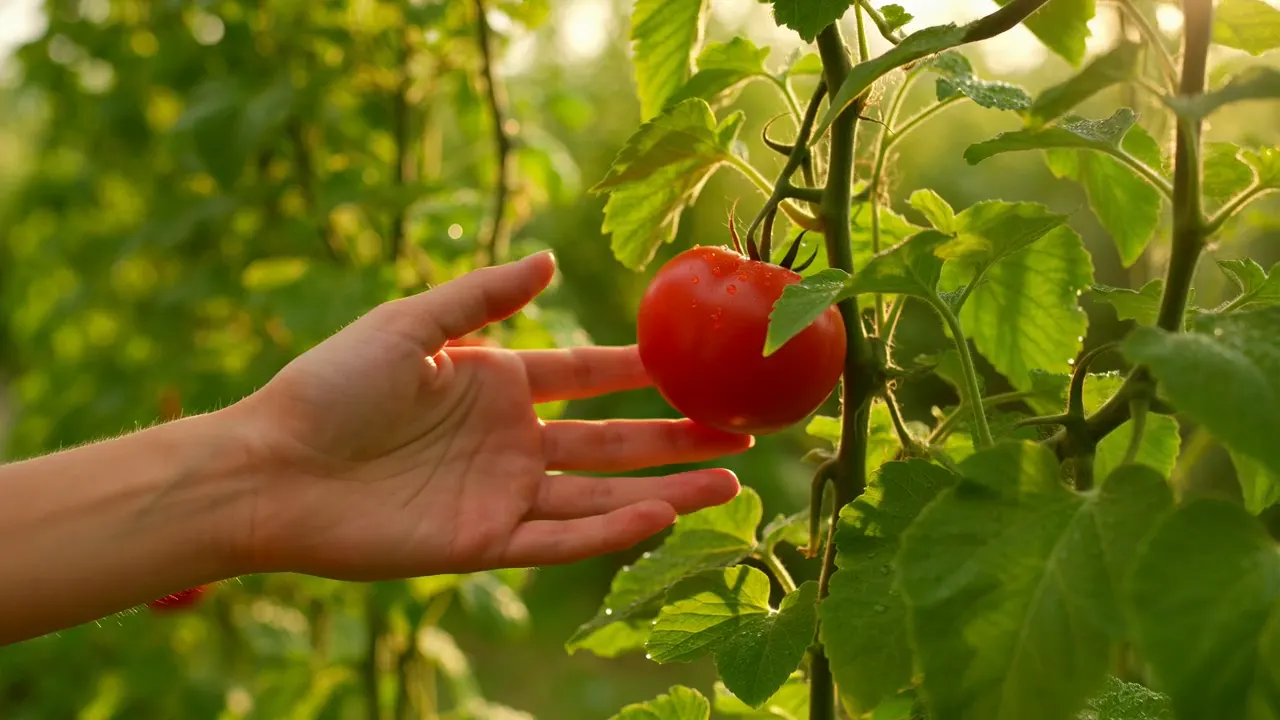
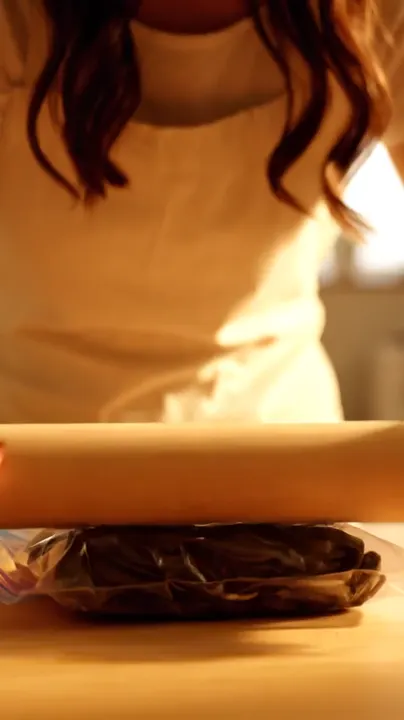
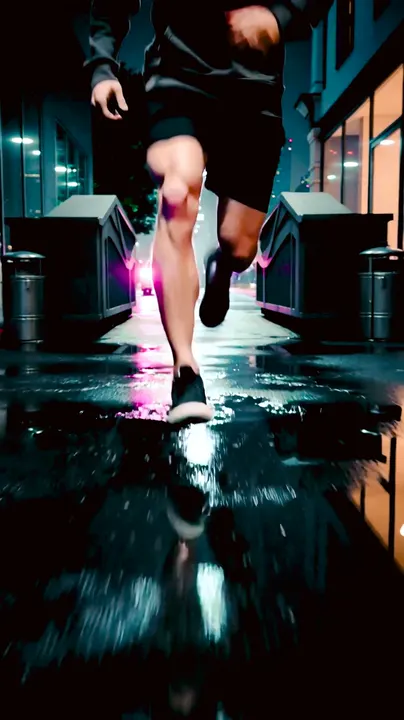
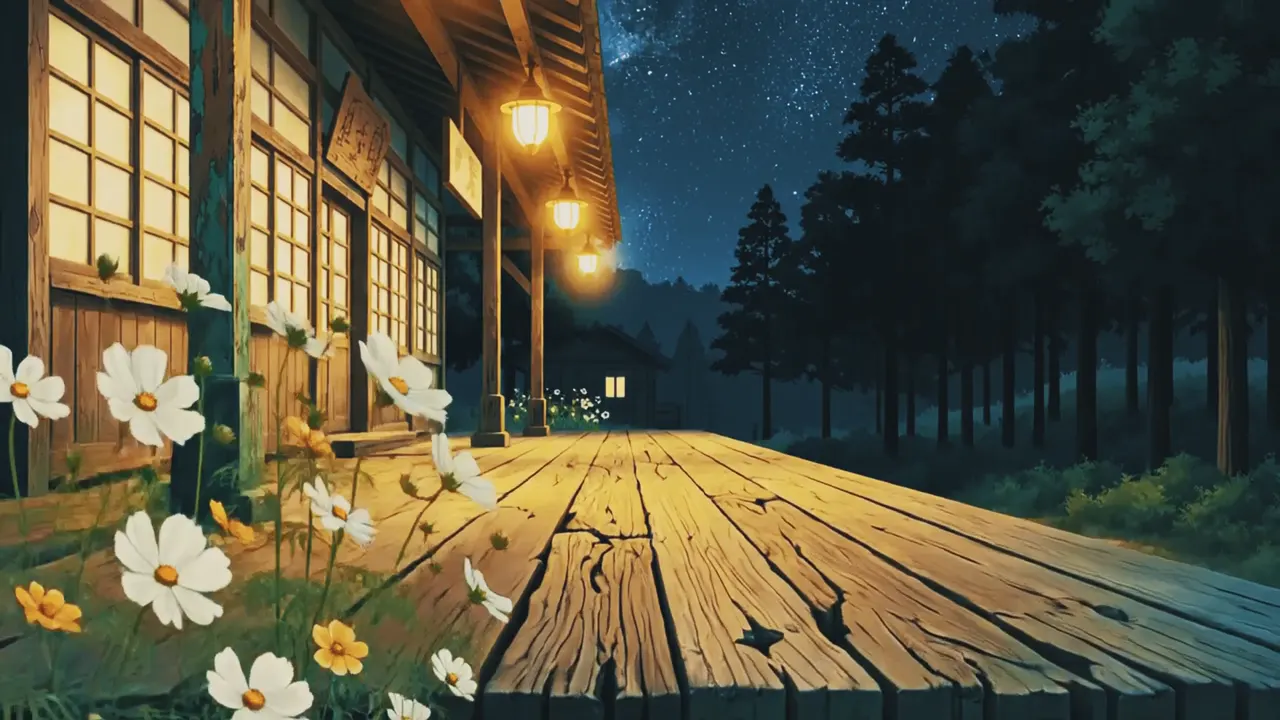
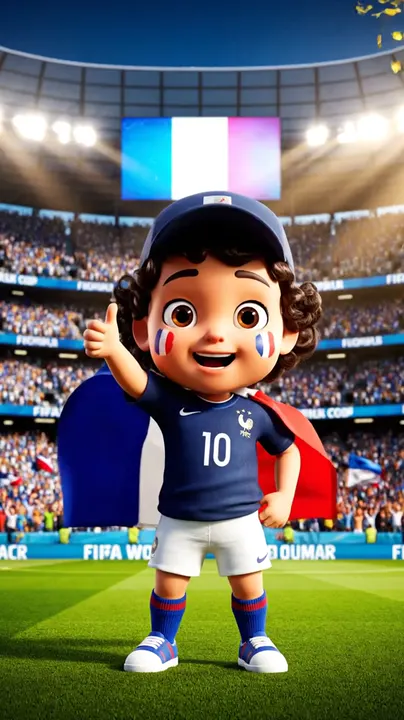
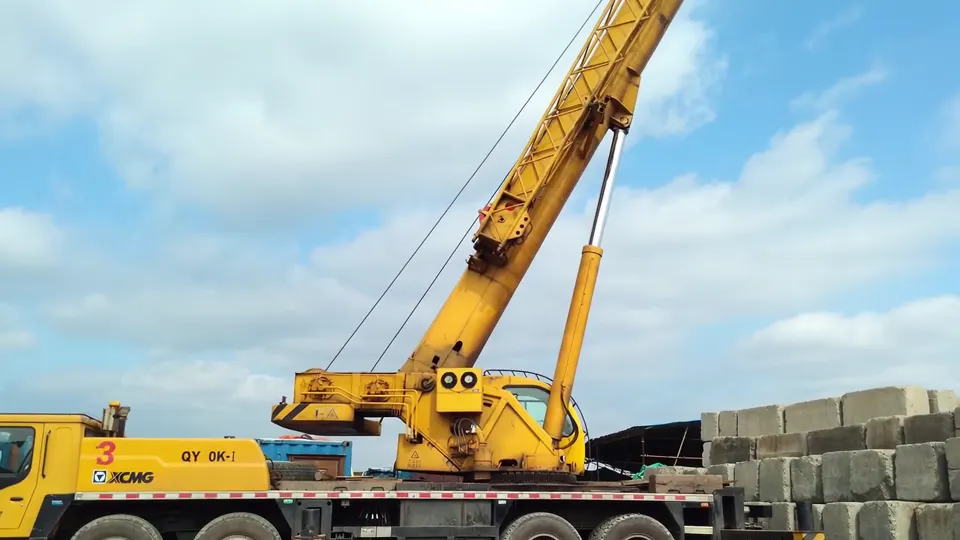
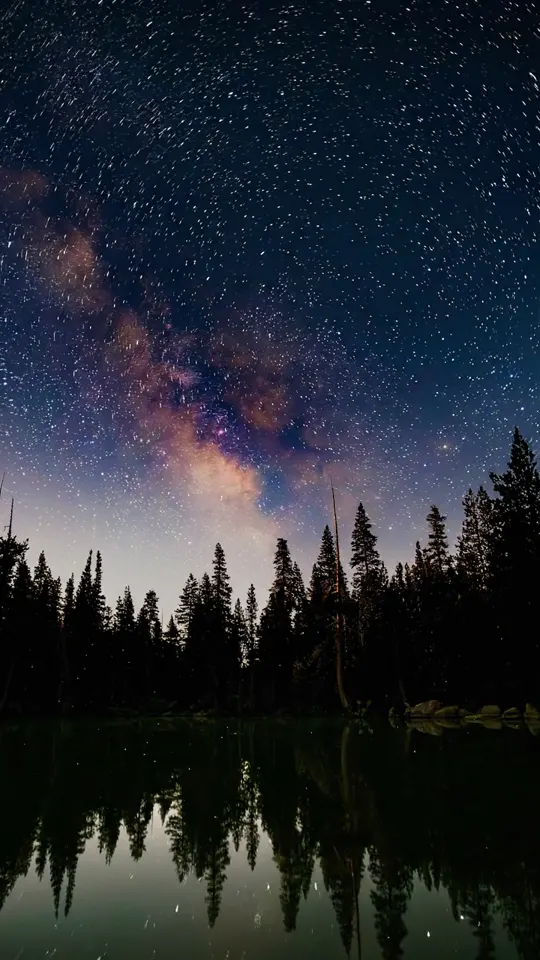
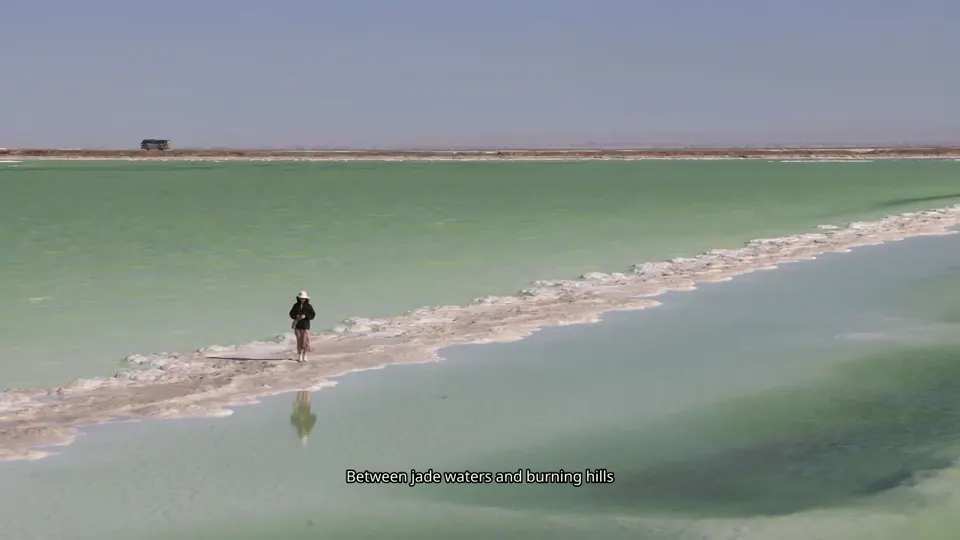
Beat: Close-up
Idea to finished film
Seedance / Veo / Sora 2 / Kling / Hailuo / Runway / Grok
From script to color, captions, music, and effects, Vidmonto's AI agent plans the shots, generates with the right model, and edits it into a ready-to-post video.
Explore real template previews, then open one in the workspace to continue with your own idea.
The homepage panel mirrors the real workspace: source input first, storyboard and preview next, then post-production controls.
Idea to finished film
Type a prompt and jump straight into the workspace.
AI plans the shots before generation
Beat: Close-up
Idea to finished film
Beat: Wide
Planned automatically
Beat: Medium
Planned automatically
Beat: Action
Planned automatically
Beat: Final
Planned automatically
Real demo videos plug into these panels
First complete cut
Default edit, music, captions, and assembly
Your refinements
Color, captions, effects, music, and voiceover
Post-production controls stay attached to the cut
The credibility story is product reality: agent planning, model routing, post-production, and iteration are already part of the same workspace.
Storyboard, edit, audio, captions, and final export happen as one guided production flow.
Vidmonto picks the best model per shot and uses provider failover when a route is busy.
Get a first cut fast, then refine color, captions, music, and effects without starting over.
LUTs, fonts, transitions, multilingual voiceover, music, audio balance, and effects live together.
Apply AI restyle effects, overlay effects, and animated text to precise windows or full videos.
Auto captions, karaoke-style text, custom scripts, voices, and language choices stay editable.
The public workflow shows the core steps reviewers expect: input, model and parameter selection, generation progress, result preview, and download.
STEP 01
"Describe an idea, upload product photos, or bring existing footage into the workspace."
STEP 02
"Pick the creation mode, model, aspect ratio, resolution, duration, and visual style controls."
STEP 03
"Vidmonto plans scenes, generates clips, assembles the edit, mixes audio, and shows status updates."
STEP 04
"Review the finished result, apply follow-up visual tweaks, then download the completed video."
Access Seedance, Sora, Kling, Veo, Hailuo, Runway, Grok, and more from one platform—no switching between different tools.
Prompt-led generation for storyboard-first videos with text or image inputs.
Create expressive clips with native audio support and strong prompt following.
Higher-detail motion and longer shots when the project needs a polished look.
Seedance 2.0 fast
Text + Image
Seedance 2.0
Text + Image
Seedance 2.0 Mini
Text + Image
Hailuo 02
Text + Image
Hailuo 02 Pro
Text + Image
Kling V2.6
Text + Image
Kling 3.0
Text + Image
Sora 2
Text + Image
Sora 2 Pro
Text + Image
Veo 3.1 Lite
Text + Image
Veo 3.1 Fast
Text + Image
Veo 3.1 Quality
Text + Image
Runway
Text + Image
grok-imagine
Text + Image
Gemini Omni
Text + Image
Finished videos from a text idea, up to 15 images, or up to 9 video clips, with editing, color, captions, music, voiceover, and effects.
Seedance, Veo, Sora 2, Kling, Hailuo, Runway, and Grok. Vidmonto can auto-select per shot, and you can also pick manually.
Images support storyboard, first-and-last-frame, reference, and directed modes. Video supports auto-edit and AI restyle.
Voiceover supports English, Chinese, Japanese, Korean, German, French, Spanish, Italian, Portuguese, plus auto-detect.
Vidmonto uses credits. Each generation deducts credits by model, duration, and resolution.
Choose a starting point, let the agent build the baseline, then refine the cut with captions, music, color, effects, and voiceover.